
Your action tracker
How to log actions you have taken, track outcomes, and export evidence for reviews and tribunal.
The action tracker is where you log what you have done, what you are waiting on, and what happened as a result. It turns scattered efforts into a clear record.
This matters because in the SEND system, the burden often falls on parents to show what they have tried. The action tracker makes that easy.
What goes in the action tracker
Actions are things you have done or plan to do in relation to your child's SEND support:
- Sent a letter to the local authority requesting an assessment
- Spoke to the SENCO about concerns with reading support
- Attended an SEN Support review meeting at school
- Gathered evidence from a private educational psychologist
- Attended an annual review meeting
- Filed a complaint with the local authority
- Submitted an appeal to the SEND Tribunal
How to add an action
When you tell SpektraBot what you have tried or plan to do, it picks this up and can log it as an action automatically.
Go to Insights from the navigation menu, then expand the Actions card. Select Add action, describe what you did, and enter the date.
Each action starts as In progress. When the outcome is clear, mark it as Worked or Did not work. If it did not work, you can add a note explaining what happened. SpektraBot will suggest drafting a follow-up.
Viewing your actions
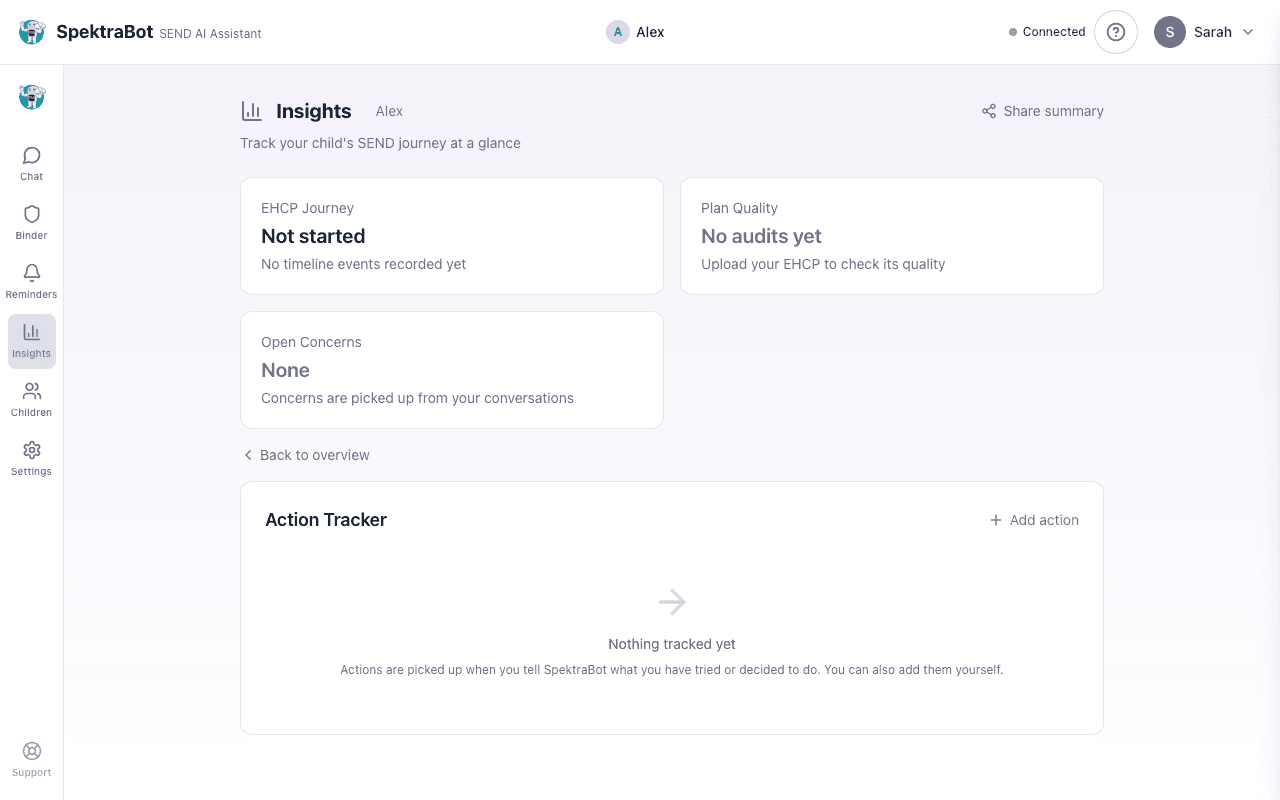
On a desktop, the action tracker uses a three-column layout so you can see everything at a glance:
- In progress: Actions you are still waiting on or working through
- Worked: Actions that achieved their goal
- Did not work: Actions that did not lead to the outcome you wanted
On a mobile device, these are shown as tabs you can switch between.
Exporting your evidence
When you need to present your case, whether at an SEN Support review, an annual review, in a formal complaint, or at tribunal, you can export your actions.
Select Export from the action tracker. This downloads a summary of all your actions with dates, descriptions, and outcomes as a text file.
Combine your exported actions with your concerns log and timeline for a clear, dated record of everything that has happened. This is exactly what advocates and solicitors ask for.
Why the action tracker matters
Parents are often told things like 'You should have raised that sooner' or 'We have no record of that conversation.' The action tracker protects you from this. It shows:
- When you raised an issue
- What you did about it
- What response you received (or did not receive)
- How long you have been waiting
This is not about being adversarial. It is about having a clear, factual record that supports your child's case.
Try asking this question in a chat:
“I spoke to the SENCO last week about my concerns. Can you help me log this as an action?”